



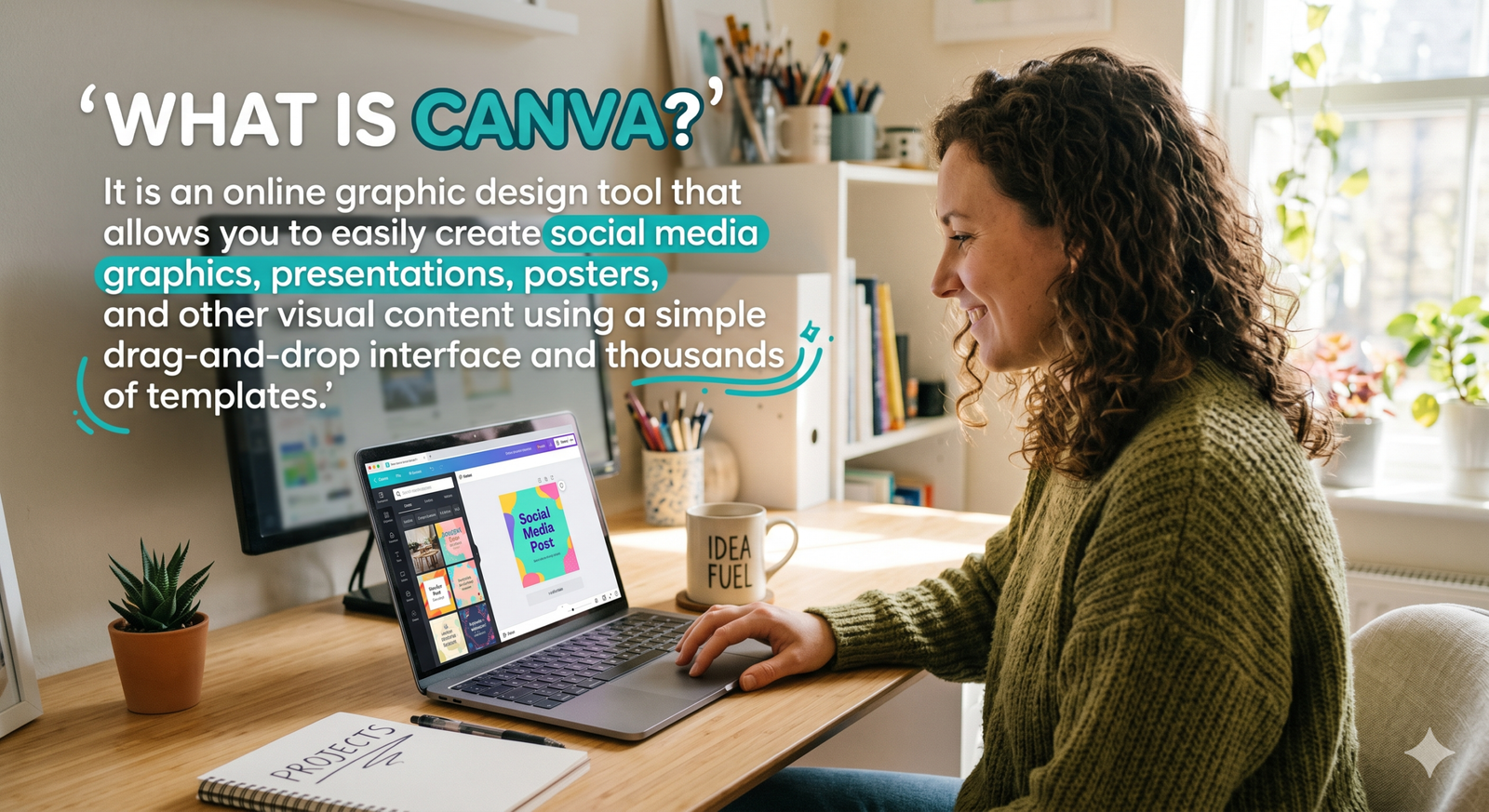
What Is Canva? The Ultimate Guide to the Revolutionary Design Tool
Have you ever stared at a blank computer screen, wishing you had the technical skills to create a stunning visual graphic? You are certainly not alone in that frustration, as millions of people struggle with visual content creation on a daily basis. This widespread hurdle naturally leads to a very common question: exactly what is canva, and can it actually help beginners? The short answer is a resounding yes, as this cloud-based software has completely revolutionized the creative industry.
If you are exploring modern digital marketing, understanding what is canva is your very first step toward total creative freedom. It has democratized the way we approach graphic design, making high-quality visual creation accessible to absolutely anyone with an internet connection. Throughout this comprehensive and detailed guide, we will explore exactly how this popular web-based tool functions. We will break down its core features, identify its target audience, and explain why it has taken the global creative world by storm.
Exactly What Is Canva and How Does It Work?
When someone asks, what is canva, they are usually looking for a simple explanation of a seemingly complex digital tool. At its absolute core, it is an online graphic design and publishing platform that operates right in your standard web browser. You do not need to download heavy software or possess a degree in fine arts to use this platform successfully. The application was built entirely with the everyday user in mind, prioritizing extreme simplicity without ever sacrificing professional output quality.
By offering a massive library of pre-made templates, the software empowers users to create everything from social media graphics to highly corporate presentations. It essentially bridges the massive technical gap between professional graphic designers and complete novices looking to build a brand. According to reputable business technology publications like Forbes, intuitive tools like this are shifting the entire landscape of modern digital entrepreneurship.
The Origins of the Platform
To fully grasp the magnitude of what is canva, it greatly helps to understand where the software originally came from. The platform was founded in Australia back in 2013 by Melanie Perkins, Cliff Obrecht, and Cameron Adams. These founders noticed that traditional design software was far too difficult for the average person to learn in a reasonable timeframe. They wanted to create a universal system where literally anyone could drag and drop their way to beautiful, professional designs.
Today, this platform is a global powerhouse, valued in the tens of billions of dollars, and used actively by millions worldwide. This rapid, unprecedented growth perfectly answers the question of what is canva at a corporate level. It is a global phenomenon that successfully solved a massive, universal problem for everyday internet users and business owners alike.
Understanding the Core Features
If you are still wondering what is canva going to do for my specific daily workflow, you need to look at its feature set. The most celebrated and talked-about aspect of the platform is its incredibly intuitive drag-and-drop digital editor. You simply select a visual element from the left-hand sidebar and pull it directly onto your digital canvas. It is genuinely that straightforward, completely eliminating the steep learning curve traditionally associated with legacy graphic design software.
You can easily resize text boxes, swap out background colors, and align images using smart guides that snap right into place. If you want to learn more about applying these skills to your business, check out our internal guide on social media marketing strategies to see how design impacts audience engagement. The streamlined interface ensures that you spend more time actually creating and less time hunting through endless software menus.
A World of Pre-Made Templates
Another brilliant answer to the complex question of what is canva lies directly in its extensive and ever-growing template library. The platform currently offers thousands of professionally designed visual templates for nearly every conceivable digital or print project. Whether you need a striking Instagram story, a professional corporate resume, or a vibrant event flyer, the foundation is already built.
You simply need to select a layout you love and customize the placeholder text and colors to match your personal brand identity. This massive repository of ready-made designs saves casual users countless hours of nervously staring at a blank, intimidating page. It is a major reason why modern content creators and digital marketers rely so heavily on this specific cloud-based application.
An Endless Visual Asset Library
Beyond just providing starting templates, you might enthusiastically ask, what is canva offering in terms of raw creative materials? The software provides an enormous, integrated media library completely filled with high-quality stock photos, vectors, illustrations, and videos. Users do not need to scour the internet for royalty-free images because absolutely everything is integrated directly into the central workspace.
You can simply search for a specific graphic using the search bar, click it, and it instantly appears in your working design. Furthermore, the modern platform now integrates seamlessly with various third-party applications and even includes advanced AI image-generation tools. This transforms the software into a highly centralized hub for all of your creative assets and digital marketing materials.
Who Should Be Using This Graphic Design Software?
It is incredibly common to wonder what is canva actually used for when it comes to specific professions and industries. The truth is that its active user base is remarkably diverse, ranging from independent teenage freelancers to massive Fortune 500 companies. Small business owners find it particularly invaluable because they often desperately lack the budget to hire dedicated, full-time graphic designers.
These ambitious entrepreneurs can quickly mock up promotional marketing materials, professional business cards, and social media ads in mere minutes. It is essentially an entire digital marketing department beautifully wrapped up in one highly accessible browser tab. Educators and eager students represent another massive, highly active demographic for this specific educational software.
The Major Corporate Shift
Even large, established corporations have eagerly started embracing this accessible tool for their daily communication and marketing operations. You might be incredibly surprised to learn what is canva doing in the corporate space, but the primary answer is streamlining communication. Large marketing teams frequently use the built-in Brand Kit features to ensure every single employee consistently stays on brand.
By locking in specific company fonts, primary colors, and official logos, organizations easily maintain visual consistency across all active departments. This completely eliminates the frustrating bottleneck of waiting weeks for the official design team to produce simple, internal company documents.
The Difference Between Free and Pro Versions
As you dive much deeper into the topic of what is canva, you will inevitably encounter its tiered pricing structure. The platform operates on a highly popular freemium model, meaning the core design functionality is completely free to use forever. The basic free tier is remarkably generous, offering thousands of templates and design elements that are absolutely perfect for casual users.
You can easily export your final creations in high quality and practically never have to pay a single dime. However, if you are actively running a business, you might reasonably ask what is canva pro and is it truly worth the upgrade? The premium Pro version uniquely unlocks millions of premium stock photos and highly advanced tools like the one-click background remover. For anyone creating digital content professionally, the relatively low monthly cost of the Pro subscription is incredibly easy to justify.
How Does It Compare to Traditional Software?
A frequent, highly debated discussion point when deeply exploring what is canva is how it stacks up against industry-standard heavyweights. Software like Adobe Photoshop or Illustrator have dominated the professional market for decades, so comparisons are entirely natural and expected. The honest reality is that they serve entirely different distinct purposes and cater to vastly different types of computer users.
Traditional desktop software is incredibly powerful, offering pixel-perfect manual control and highly advanced photo manipulation capabilities. However, that immense technical power unfortunately comes with a notoriously steep learning curve and a rather high financial price tag. On the exact flip side, what is canva best known for in the creative community?
Speed, extreme simplicity, and immediate visual results without having to endure a steep, frustrating learning curve. While professional senior designers will always need their advanced tools for complex branding, they also frequently use this web platform for quick tasks. It is not necessarily about replacing traditional software; it is simply about providing the right tool for the right job.
Conclusion: So, What Is Canva Ultimately?
We have successfully covered a massive amount of technical ground in our quest to understand the nuances of this platform. So, what is canva when you finally strip away all the marketing jargon and technical software details? It is quite simply the great equalizer in the modern world of digital visual communication and brand marketing.
It confidently empowers anyone with a basic internet connection to bring their creative ideas to life, regardless of their artistic background. By successfully removing the traditional technical barriers to entry, it allows raw creativity to flourish in places it previously could not. If you have been hesitant to try your hand at graphic design, there has truly never been a better time to start.
Visit also : Trendlymora.com
Is the platform completely free to use?
Yes, the platform offers a highly robust free version that is available to anyone forever without requiring a credit card. It includes thousands of templates, fonts, and graphics that are more than sufficient for everyday personal or basic business use. For users needing advanced features like brand kits or background removers, a paid premium subscription is available as an option.
Do I need graphic design experience to use it?
Absolutely not, as the entire software was specifically built to be exceptionally user-friendly for complete beginners with zero background. The intuitive drag-and-drop interface ensures that if you can use a mouse, you can confidently create stunning visual graphics. The pre-made templates do the heavy lifting regarding layout and color theory, allowing you to focus strictly on your message.
Can I use it on my smartphone or tablet?
Yes, the company offers a highly optimized mobile application available for both iOS and Android smartphone and tablet devices. The mobile app mirrors the core functionality of the desktop browser version, allowing you to design seamlessly on the go. Your creative projects automatically sync across your cloud account, meaning you can start on your computer and finish on your phone.
Are the designs safe for commercial business use?
Designs created on the platform can generally be used for a wide variety of commercial purposes, including marketing and advertising. However, you cannot strictly trademark a design if it relies heavily on pre-made stock elements provided by the software library. For official company logos that require strict trademarking, it is highly recommended to build designs from scratch using basic geometric shapes.
How exactly does it help with social media?
The software streamlines social media management by offering perfectly sized templates for platforms like Instagram, Facebook, LinkedIn, and Pinterest. You never have to manually guess the correct image dimensions, which severely cuts down on frustrating trial and error. Additionally, premium users can actually schedule their finished graphics to post directly to their social media accounts from within the platform.
