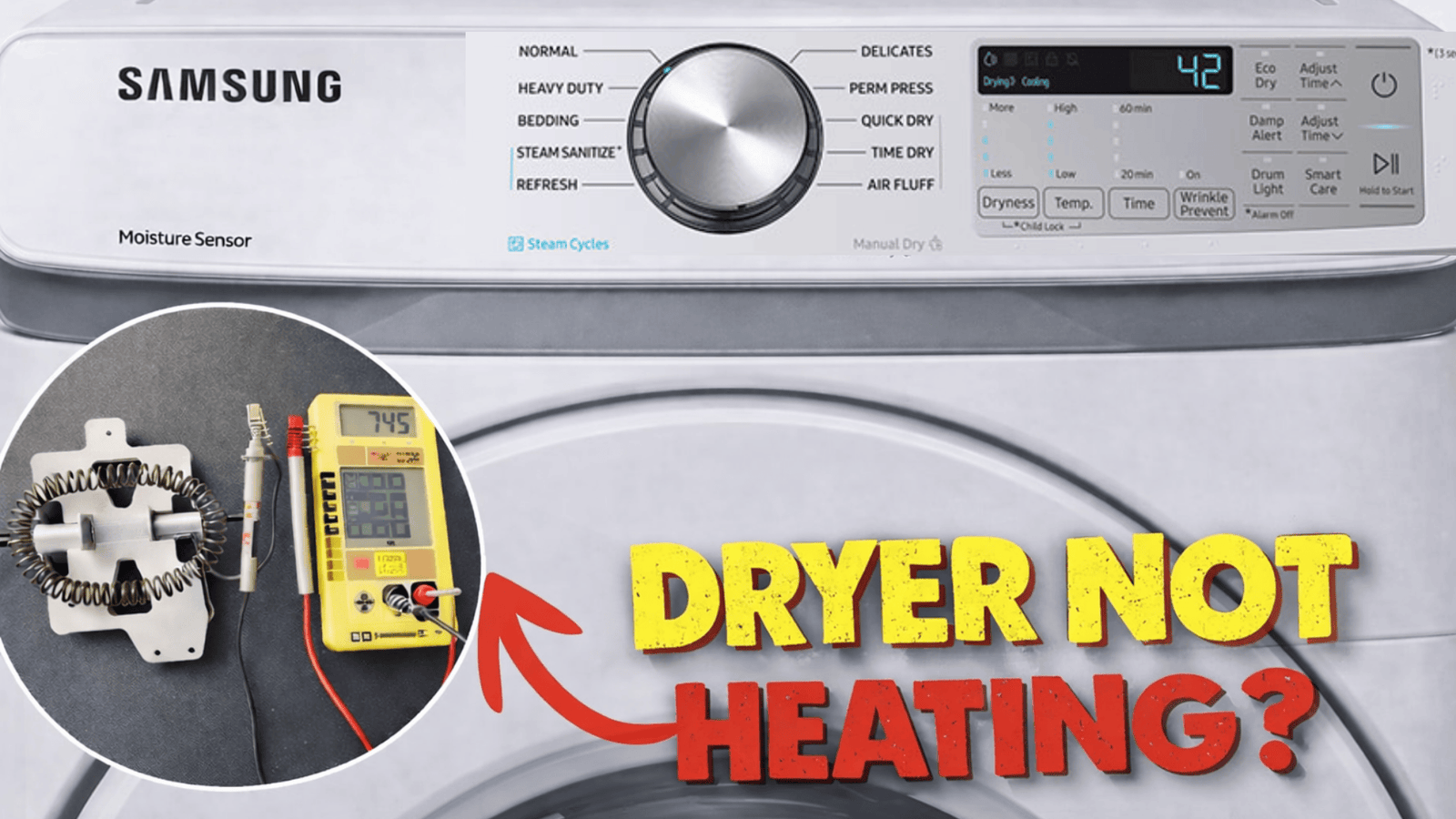
Samsung Dryer Not Heating: 12 Common Causes, Troubleshooting Steps, and Easy Fixes
Samsung Dryer Not Heating: Complete Troubleshooting Guide
A Samsung dryer not heating is one of the most frustrating appliance problems. The dryer may tumble normally, the display may work, and the timer may finish the cycle, yet your clothes remain damp after an hour. Besides wasting time, this issue increases energy consumption because you end up running multiple drying cycles.
The good news is that a heating problem doesn’t always mean your dryer needs an expensive repair. In many cases, the cause is something simple, such as a clogged vent, incorrect settings, or a tripped circuit breaker. Other times, replacing a worn heating element or thermostat solves the issue.
This guide explains why your Samsung dryer isn’t producing heat, how to diagnose the problem safely, and which repairs you can often perform yourself.
Why Is My Samsung Dryer Not Heating?
Several components work together to generate heat inside a Samsung dryer. If even one fails, the appliance may continue spinning without warming the drum.
The most common causes include:
Clogged dryer vent
Dirty lint filter
Faulty heating element
Blown thermal fuse
Defective high-limit thermostat
Moisture sensor issues
Failed thermistor
Power supply problems
Control board malfunction
Gas supply issues (gas dryers)
Understanding each possibility helps narrow down the actual problem.
Check the Dryer Settings First
Before opening the dryer or ordering replacement parts, verify the settings.
Some drying cycles intentionally use little or no heat.
Examples include:
Air Fluff
Air Dry
Refresh cycles
Delicates with low heat
Select a standard heated cycle like:
Normal
Towels
Heavy Duty
Bedding
Also make sure Eco settings aren’t limiting heat output.
Inspect the Lint Filter
A clogged lint filter restricts airflow, making the heating system work harder.
Even if the heating element functions properly, poor airflow prevents clothes from drying efficiently.
How to clean it
Remove the lint filter.
Peel away accumulated lint.
Wash it monthly with warm water and mild soap.
Let it dry completely before reinstalling.
A clean lint filter improves airflow and shortens drying time.
Check for a Blocked Dryer Vent
This is one of the leading reasons a Samsung dryer not heating complaint occurs.
When hot air cannot escape, safety sensors may shut off the heater to prevent overheating.
Signs of a blocked vent
Clothes stay damp
Dryer feels extremely hot
Drying takes multiple cycles
Burning smell
Outside vent flap barely opens
How to clean the vent
Disconnect the dryer.
Use a dryer vent brush or vacuum to remove lint from:
Exhaust duct
Vent hose
Exterior vent
Many homeowners are surprised by how much lint accumulates inside the vent over time.
Verify the Power Supply
Electric Samsung dryers require 240 volts.
A dryer may still spin using only 120 volts while the heating element receives no power.
Check the breaker
Visit your home’s electrical panel.
Look for:
Half-tripped double breaker
Blown fuse
Loose power cord
Reset the breaker if necessary.
If the breaker trips repeatedly, contact an electrician.
Test the Heating Element
The heating element converts electricity into heat.
Over years of use, the coil can eventually burn out.
Symptoms of a failed heating element
Drum spins normally
No heat
Clothes remain wet
Dryer completes cycle normally
How to test it
Using a multimeter:
Disconnect power.
Access the heating element housing.
Test for electrical continuity.
If no continuity exists, replace the heating element.
Fortunately, heating elements are among the most commonly replaced Samsung dryer parts.
Inspect the Thermal Fuse
The thermal fuse protects your dryer from overheating.
If temperatures become dangerously high, the fuse permanently blows.
Once blown, it cannot be reset.
Common reasons it blows
Blocked vent
Dirty lint filter
Failed thermostat
Restricted airflow
Replace the thermal fuse and correct the airflow problem before operating the dryer again.
Otherwise, the new fuse may fail quickly.
Check the High-Limit Thermostat
The high-limit thermostat monitors dryer temperature.
If it detects excessive heat, it interrupts power to the heating element.
Over time, the thermostat itself can become defective.
Symptoms
Intermittent heating
No heat at all
Dryer overheats before shutting off
Testing requires a multimeter to confirm electrical continuity.
Test the Thermistor
Modern Samsung dryers use a thermistor instead of traditional temperature controls.
The thermistor measures internal temperature and communicates with the control board.
If readings become inaccurate, heating may stop entirely.
Common symptoms include:
Inconsistent temperatures
Error codes
Dryer shuts off early
Clothes remain damp
Moisture Sensor Problems
Samsung dryers use moisture sensors to determine when clothing is dry.
If these sensors become coated with fabric softener residue, they may falsely detect dry clothes.
As a result, the dryer stops heating too soon.
Cleaning the moisture sensors
Locate the metal strips inside the drum.
Wipe them with:
White vinegar
Mild soap
Soft cloth
Avoid abrasive cleaners that may damage the sensor surface.
Gas Samsung Dryer Not Heating
If you own a gas model, additional components can prevent heating.
Possible causes
Faulty gas valve coils
These coils open the gas valve.
Weak coils may work briefly before failing once they become hot.
Igniter failure
The igniter must glow before gas ignites.
If it never glows, the burner won’t produce heat.
Gas supply interruption
Confirm:
Gas valve is open
Gas service is active
No kinked gas line
Gas appliance repairs should be handled carefully, and professional service is recommended if you suspect a gas system fault.
Control Board Issues
Although less common, the electronic control board can prevent heating.
Symptoms may include:
Random heating failures
Error codes
Inconsistent cycle behavior
Heater never activates
Because control boards are expensive, technicians usually eliminate every other possibility first.
Samsung Dryer Error Codes Related to Heating
Some Samsung dryers display error codes that simplify diagnosis.
Common examples include:
| Error Code | Possible Meaning |
|---|---|
| HC | Heating problem |
| HE | Heater error |
| tS | Temperature sensor issue |
| tO | Thermistor fault |
| bE | Control board issue |
| 1E | Moisture sensor problem |
Always consult your specific model’s manual because codes can vary.
Step-by-Step Troubleshooting Checklist
Follow this order before replacing parts.
Step 1
Clean the lint filter.
Step 2
Inspect the vent for lint buildup.
Step 3
Confirm the correct drying cycle.
Step 4
Verify the circuit breaker.
Step 5
Test the heating element.
Step 6
Check the thermal fuse.
Step 7
Inspect the thermostat.
Step 8
Test the thermistor.
Step 9
Clean moisture sensors.
Step 10
Contact a qualified technician if heating still doesn’t return.
Can You Fix a Samsung Dryer That Isn’t Heating Yourself?
Many homeowners can perform basic maintenance.
DIY-friendly tasks include:
Cleaning lint filter
Cleaning vent hose
Resetting breakers
Cleaning moisture sensors
Moderate DIY repairs include:
Heating element replacement
Thermal fuse replacement
Thermostat replacement
Professional repairs are recommended for:
Gas dryers
Wiring issues
Control board replacement
Electrical diagnostics
Preventing Future Heating Problems
Preventive maintenance reduces breakdowns and improves efficiency.
Follow these habits:
Clean the lint filter after every load.
Inspect the vent every three to six months.
Replace damaged vent hoses.
Avoid overloading the dryer.
Leave enough space behind the dryer for proper airflow.
Wash the lint filter monthly with soap and water.
Schedule annual vent cleaning if you use the dryer frequently.
These simple steps can extend the life of your Samsung dryer while reducing drying time.
Repair vs. Replacement
If your dryer is less than 10 years old, repairing it is usually the more cost-effective option, especially when replacing parts like the heating element or thermal fuse.
Replacement may be worth considering when:
The control board has failed.
Multiple major components are damaged.
Repair costs approach the price of a new dryer.
The appliance has recurring issues despite recent repairs.
Evaluating the dryer’s age, condition, and repair estimate can help you make the best decision.
Why is my Samsung dryer spinning but not heating?
This usually indicates a failed heating element, blown thermal fuse, blocked vent, or inadequate power supply. The motor and drum can still operate even when the heating system is not working.
Can a clogged vent stop my Samsung dryer from heating?
Yes. Restricted airflow can cause the dryer to overheat, triggering safety devices that shut off the heating element to prevent damage.
How do I reset my Samsung dryer?
Some models can be reset by unplugging the dryer for five minutes and then restoring power. If the issue is caused by a failed component, however, a reset alone will not restore heat.
How long does a Samsung heating element last?
Most heating elements last between 8 and 15 years, depending on usage, maintenance, and airflow. Keeping the vent clean can help extend its lifespan.
Is it safe to use a Samsung dryer that isn’t heating?
While it may still tumble clothes, running a dryer with an unresolved heating issue can waste energy and may indicate an underlying electrical or airflow problem. It’s best to diagnose the cause before continued use.
Should I replace the heating element myself?
If you are comfortable using basic tools and following safety precautions, replacing a heating element is a manageable repair for many homeowners. If you’re unsure, hiring a qualified technician is the safer choice.